Physical Address
304 North Cardinal St.
Dorchester Center, MA 02124
Physical Address
304 North Cardinal St.
Dorchester Center, MA 02124

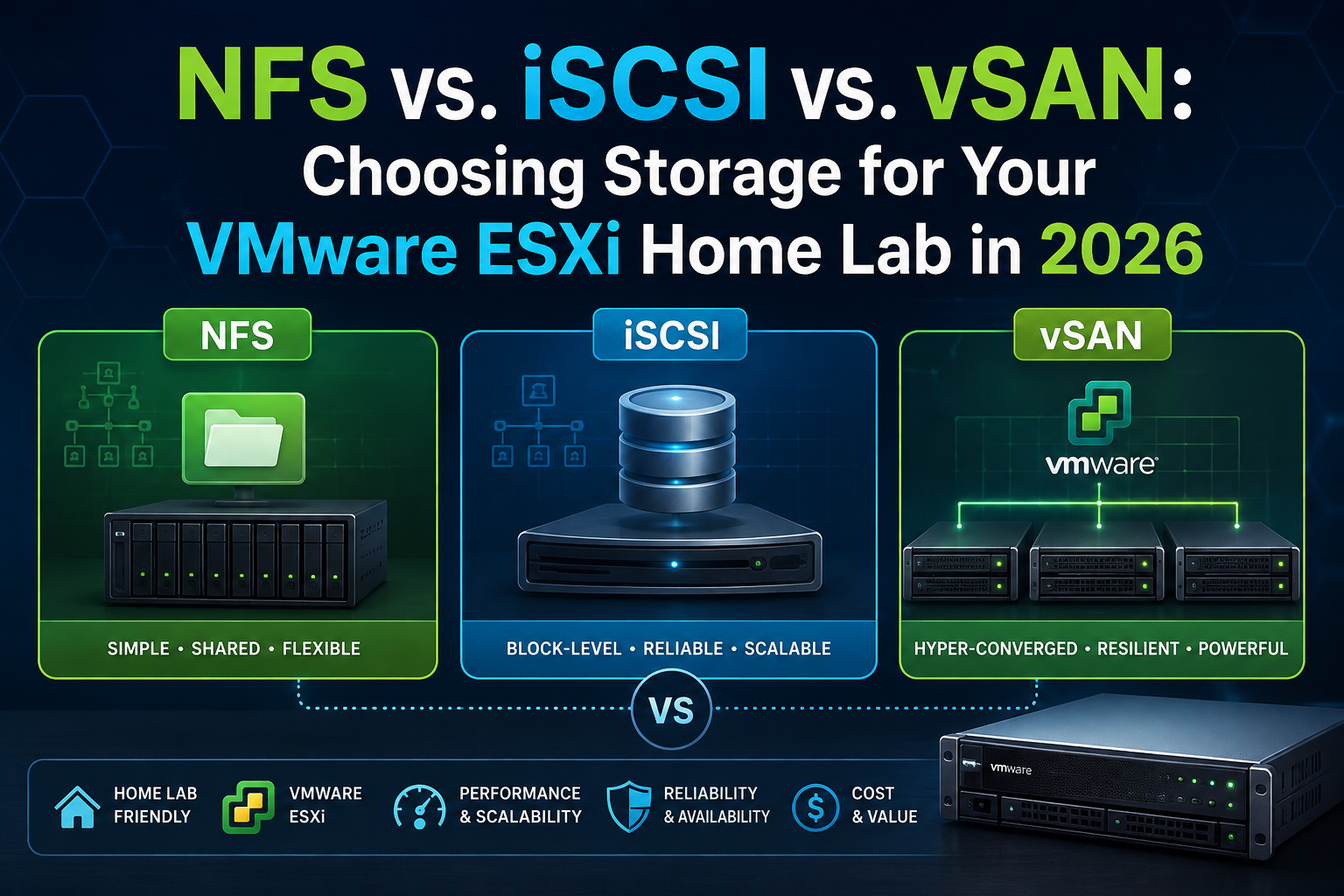
If you’re starting a VMware home lab in 2026 with no hardware constraints yet, you’re making this decision at a genuinely different moment than anyone who wrote a “NFS vs iSCSI vs vSAN” comparison before early 2024. The technology trade-offs are mostly unchanged but the licensing landscape around them has been rebuilt from the ground up by Broadcom, and that now matters just as much as the technical comparison for a home lab budget. This guide covers both.
This isn’t a tangent it directly shapes which storage technology makes sense for you, especially vSAN. Broadcom completed its VMware acquisition in November 2023 and, within months, revoked the free version of ESXi in February 2024, discontinued perpetual licensing, and collapsed VMware’s sprawling SKU list into a small number of subscription bundles. For a long stretch, “start a VMware home lab for free” simply stopped being an option in any straightforward sense.
Broadcom quietly reintroduced a free ESXi hypervisor via ESXi 8.0 Update 3e’s release notes, downloadable from the Broadcom Support Portal. It’s real, but limited the free tier supports an unlimited number of VMs within your hardware limits and includes the vSphere Host Client, but disables automation/orchestration features, restricts networking to the Standard vSwitch, and comes with no support entitlement. Critically for this guide: the free tier does not include vCenter, vMotion, DRS, HA, or vSAN. It gets you a single standalone ESXi host with local or directly-attached NFS/iSCSI storage — nothing cluster-related.
For anything beyond a single host — which includes any real vSAN deployment — your realistic options are:
One practical home lab rule worth internalizing before you spend anything if your homelab hardware costs under $500, ESXi licensing will typically cost more than the hardware itself a genuinely useful gut-check before you commit to the VMware stack for a small lab.
ESXi mounts a file-level export from an external NFS server (a NAS, filer, or software-defined storage box) directly into its datastore namespace. The array’s own file system does the heavy lifting; ESXi is just a client. Setup is a GUI wizard: point at an IP/hostname and export path, done.
ESXi’s software or hardware initiator connects to a block-level iSCSI target, which presents a raw LUN. ESXi formats that LUN with VMFS VMware’s own clustered file system which is what actually provides multi-host locking and datastore semantics.
Fundamentally different from the other two: vSAN is hyperconverged. It pools local disks (NVMe/SSD/HDD) across cluster hosts into a single distributed datastore, with data mirrored or erasure-coded across hosts for resilience. There’s no external storage array at all the ESXi hosts are the storage. This is also why vSAN has a hard structural requirement the other two don’t vSAN requires a minimum host count typically three nodes for standard vSAN, four for stretched clusters and each host must carry both compute and storage roles. A single-node vSAN “cluster” exists (more on that below) but isn’t resilient in any meaningful sense.
| NFS | iSCSI | vSAN | |
|---|---|---|---|
| Minimum topology | 1 host + any NAS | 1 host + any iSCSI target | 3 nodes for real resilience (2-node + witness is a documented minimum-viable variant) |
| Licensing needed | Free ESXi is enough for single-host | Free ESXi is enough for single-host | Requires vCenter + vSAN licensing — no path around this |
| Cheapest legal full-featured path | N/A (free tier sufficient) | N/A (free tier sufficient) | VMUG Advantage, ~$200/year, up to 6 CPUs |
| Hardware reuse potential | High — any NAS or old server with a NIC | High — any iSCSI target software (TrueNAS, StarWind) or old server | Lower — needs local disks in every node, ideally on the vSAN HCL |
| Typical entry hardware cost | $150–400 (used Synology/QNAP, or repurposed PC) | Similar to NFS — same hardware, different target software | 3x the compute hardware cost, since you need 3 capable nodes minimum |
The practical upshot: NFS and iSCSI let you defer or entirely sidestep VMware’s post-2024 licensing complexity if you stay on a single free-tier ESXi host. vSAN cannot — it structurally requires vCenter and cluster licensing the moment you want real fault tolerance, which means budgeting for VMUG Advantage (or the certification path) as a fixed line item, not an optional extra.
A useful, if extreme, historical data point on vSAN’s “three-node tax” an early enterprise vSAN pricing estimate for a modest all-flash 3-node cluster came to roughly $23,000–30,000 once licensing and desktop VDI licenses were included and that’s before multiplying anything by three, since three is the minimum node count. Home lab hardware today is vastly cheaper than that 2014-era estimate, but the structural “you must buy three of everything” dynamic hasn’t changed, and it’s the single biggest cost driver separating vSAN from the other two options.
Point ESXi at an export, done. If you’re using a consumer NAS (Synology, QNAP, TrueNAS), enabling NFS is usually a checkbox in the NAS’s own storage UI. Troubleshooting stays approachable it behaves like a network file share, and most home lab operators already have some familiarity with NAS administration.
Requires configuring a software/hardware initiator on ESXi, setting up discovery (dynamic or static target IPs), and formatting the LUN with VMFS. Slightly more moving parts than NFS, and troubleshooting requires comfort with block-storage concepts (LUN masking, target IQNs, CHAP). Very achievable for an intermediate home labber, but a step up in complexity from NFS.
Cluster formation, disk group configuration (cache tier + capacity tier), network requirements (a dedicated vSAN VMkernel port, and ideally 10GbE between nodes), and licensing all need to be right before the cluster will even form. Once running, though, vSAN’s ongoing management is arguably the simplest of the three there’s no separate storage appliance to patch, monitor, or troubleshoot independently; it’s fully integrated into vCenter’s UI and health-check tooling.
Realistic home lab throughput is dominated by your NIC speed and the NAS’s own CPU/RAM, not the protocol. A 1GbE NAS caps you around 110MB/s regardless of disks behind it; 2.5GbE or 10GbE NICs (increasingly affordable and common on modern NAS units and used enterprise switches) meaningfully change this picture. NFS v3’s lack of native multipathing (single TCP connection per mount, pre-nconnect) means a single NIC bottleneck unless you’re specifically on a build recent enough to use nconnect.
Similar real-world ceiling to NFS on the same network hardware the protocol-level differences rarely dominate at home lab scale. iSCSI’s native multipathing (MPIO) is more mature than NFS v3’s, which can matter if you’re running multiple NICs and want genuine load-balanced redundancy rather than just NIC-teaming failover.
This is where local NVMe changes the equation entirely. Because vSAN keeps data local to each host (with network replication for resilience, not for every read), well-configured all-flash vSAN nodes with a fast local NVMe cache tier can dramatically outperform either NFS or iSCSI over a shared NAS on the same network you’re not bottlenecked by a single NAS’s controller or a shared network path for every I/O operation. The trade-off is that vSAN’s performance is much more sensitive to getting the underlying hardware right (cache-tier device speed and endurance in particular) a mismatched or consumer-grade cache-tier SSD can bottleneck an entire vSAN disk group in a way that doesn’t have a direct NFS/iSCSI equivalent.
| NFS | iSCSI | vSAN | |
|---|---|---|---|
| Redundancy source | Whatever the NAS/array provides (RAID, snapshots) | Whatever the target array provides (RAID, snapshots) | Built into the protocol itself — data mirrored/erasure-coded across hosts |
| Single point of failure | The NAS itself, unless it has its own HA | The iSCSI target itself, unless it has its own HA | None at the storage layer, provided you meet the minimum node count |
| Home lab realistic redundancy | NAS-level RAID only; no host-level storage redundancy | Same as NFS | Genuine host-failure tolerance — a host can go down without losing the datastore |
This is the fundamental trade-off in one line: NFS and iSCSI centralize your single point of failure in one external box; vSAN distributes it across your compute nodes, at the cost of needing several of them. For a single-host lab, this distinction is moot you have a single point of failure either way (the NAS, or the one vSAN node with no peers to replicate to). Redundancy is a multi-node conversation.
NFS: Most common issues are network-layer (subnet mismatches, VLAN misconfiguration, /etc/hosts errors) or export-permission problems (root squash, client ACLs). Recovery is usually a straightforward remount once the underlying network or permission issue is fixed data itself is rarely at risk unless the NAS’s own RAID has failed.
iSCSI: Failure modes cluster around initiator/target session state, CHAP misconfiguration, and MPIO path issues. VMFS adds a layer of complexity NFS doesn’t have a corrupted VMFS volume (rare, but possible after an ungraceful power loss) is a more involved recovery than an NFS mount issue.
vSAN: The most operationally sensitive of the three. A disk group failure, a network partition between nodes, or critically for a home lab an ungraceful power loss during a resync or vMotion can produce genuinely difficult recovery scenarios. This is exactly why home lab guidance repeatedly emphasizes power protection never connect a lab server directly to a wall outlet without a UPS, since a power cut mid-vMotion or during a vSAN rebuild can corrupt datastores or invalidate snapshot chains a $100–150 UPS is considered one of the most impactful infrastructure dollars you’ll spend after the server itself</cite>. NFS/iSCSI setups care about this too, but vSAN’s distributed-state nature makes it materially more exposed to a bad power event mid-operation.
NFS or iSCSI, not vSAN. A single host can technically form a one-node vSAN “cluster,” but you get none of vSAN’s actual value proposition (host-failure tolerance) you’re just adding vSAN’s complexity and licensing requirement for no redundancy benefit. On a single host, point at any NAS or iSCSI target you already own or can pick up cheaply, and use the free ESXi tier if you don’t need vCenter-dependent features.
This is where the real decision lives:
The unifying point: none of these transitions require rebuilding your VMs from scratch. Storage vMotion is the consistent mechanism across every combination the planning effort is really about licensing, hardware, and cluster formation, not VM-level migration risk.
Regardless of which protocol you choose, the same core ESXi tooling applies:
DAVG, KAVG, GAVG columns) invaluable for diagnosing whether a slowdown is array-side, network-side, or host-side, regardless of protocol.esxcli storage nfs list / esxcli storage core path list — protocol-specific CLI checks for NFS mount state and iSCSI/VMFS path status respectively.vmkernel.log — the first place to check for any storage-layer connectivity or mount failure, across all three protocols.There’s no single right answer here, which is really the point of your original question but here’s how the trade-offs collapse for the four dimensions you asked to weigh equally:
Given you’re starting with zero hardware constraints: if your goal is learning transferable, production-relevant VMware skills and you’re willing to budget ~$200/year for VMUG Advantage, a 3-node vSAN cluster is the most representative real-world experience. If your goal is the lowest-friction, lowest-cost path to a working lab that you can expand later without regret, start single-host with free ESXi and NFS against a NAS you may already own and migrate to vSAN later via Storage vMotion if and when the licensing and hardware investment feel justified.
Licensing information in this guide (free ESXi’s 2024 discontinuation and 2025 partial return via 8.0 U3e, VMUG Advantage pricing, VCP-linked license paths) is drawn from current Broadcom release notes, VMUG/Broadcom program documentation, and home-lab community sources dated between April 2025 and August 2026 this is one of the fastest-moving areas in the entire VMware ecosystem right now, so treat any source older than early 2024 on VMware home lab licensing as obsolete, including the “free ESXi with no licensing needed” assumption that dominated home lab guidance for the prior decade. Technical/architectural claims about NFS, iSCSI, and vSAN protocol behavior are comparatively stable and less time-sensitive, but vSAN hardware minimums specifically have also shifted (loosened) as recently as November 2025 per current vSAN FAQ documentation, so don’t rely on older vSAN ReadyNode hardware guidance either.
Click here to read about NFS 3 vs. NFS 4.1 for VMware ESXi: A Decision and Migration Guide

We have detected that you are using extensions to block ads. Please support us by disabling these ads blocker.





