Physical Address
304 North Cardinal St.
Dorchester Center, MA 02124
Physical Address
304 North Cardinal St.
Dorchester Center, MA 02124

Introduction: VMware’s Role in Shaping U.S. Enterprise IT in 2025 VMware continues to dominate the virtualization and cloud infrastructure space in 2025, especially across the United States. As IT professionals face increasing pressure to adopt scalable, secure, and cloud-native solutions,…
As modern IT infrastructure shifts toward cloud-based operations, organizations need comprehensive platforms to virtualize, secure, and manage their data centers. VMware addresses these demands with two primary enterprise offerings: VMware Cloud Foundation 9 (VCF 9) and VMware vSphere Foundation 9…

VMware Cloud Foundation (VCF) 9.0 is more than an update it’s a bold step toward the future of private cloud infrastructure. With this release, VMware (now under Broadcom) is making it easier than ever to manage hybrid cloud environments with…
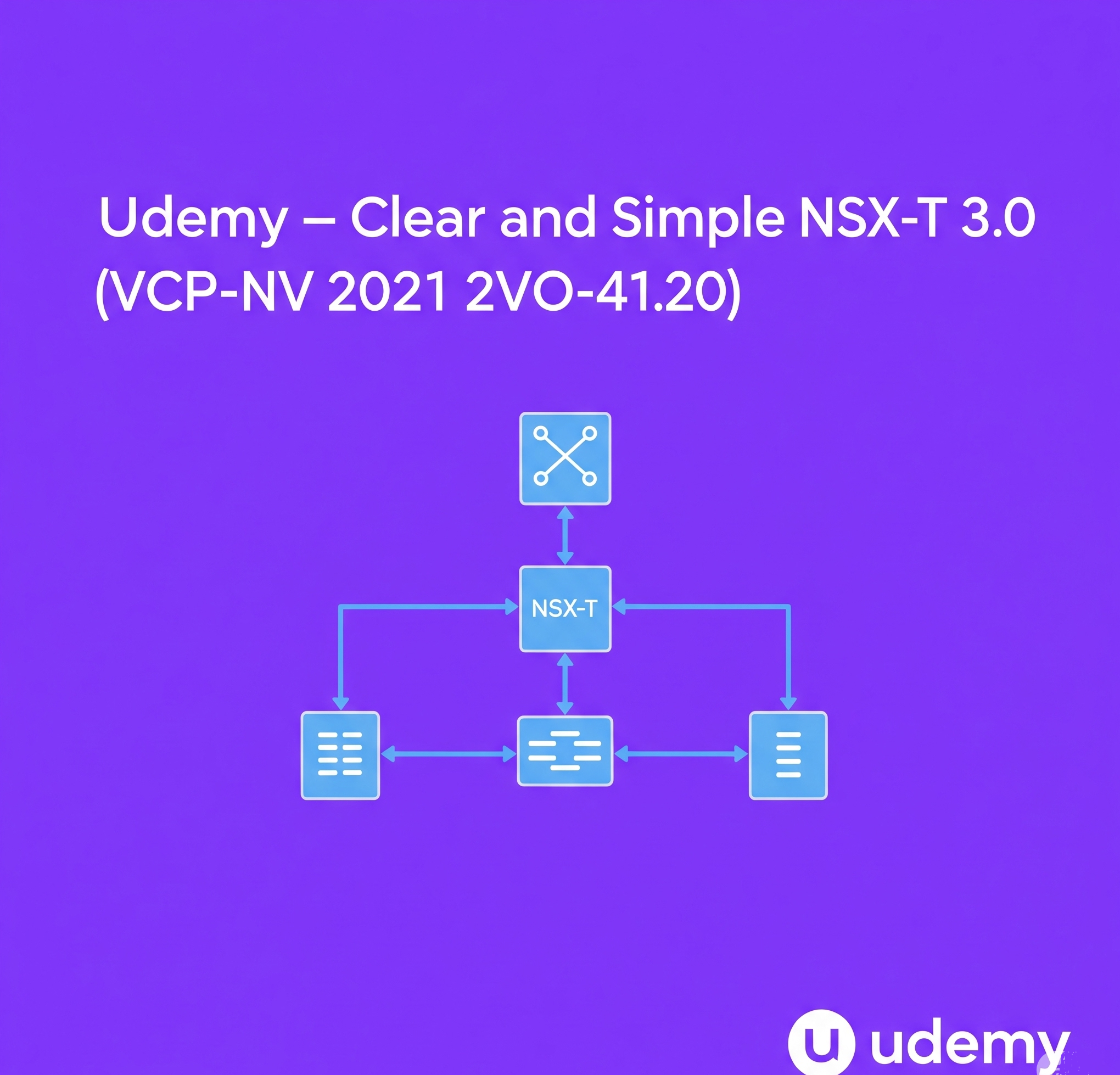
Descriptions This course gives you a complete understanding of NSX-T concepts. VMware NSX is the most disruptive network technology in recent memory. Demand for employees who understand NSX will continue to grow as the product reaches maturity. This course is designed to…

Description VMware vSAN: Deploy and Manage V7 provides participants with the knowledge and skills to understand vSAN concepts, implement, configure, and manage vSAN-based Software-Defined Storage (SDS) environments. This course provides a thorough explanation of various vSAN architectures, including Hybrid and…
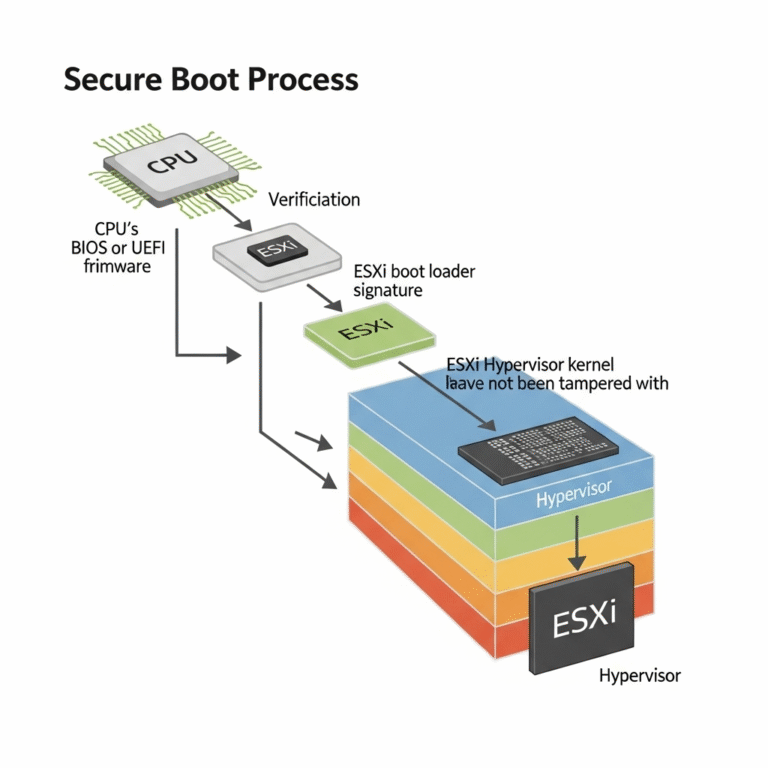
In today’s ever-evolving threat landscape, securing every layer of your IT infrastructure is paramount. For virtualized environments, the hypervisor serves as the bedrock, making its security a critical concern. VMware’s Secure Boot for ESXi hosts offers a robust mechanism to…
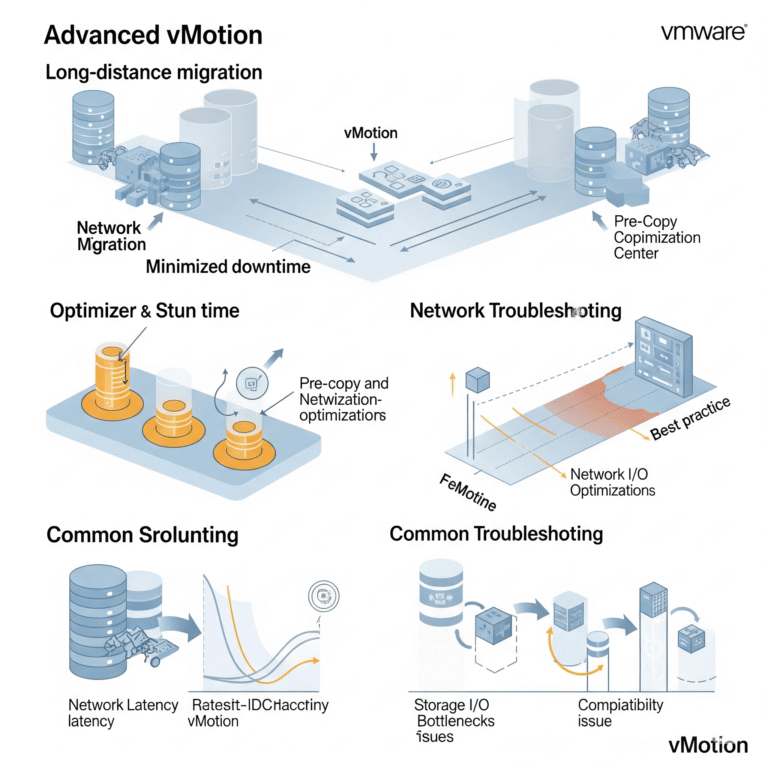
VMware vMotion is a powerful workhorse for live migration, but understanding its advanced nuances can significantly enhance your ability to manage complex virtual environments. This blog post delves into advanced vMotion considerations, including long-distance migrations, the impact of stun time,…
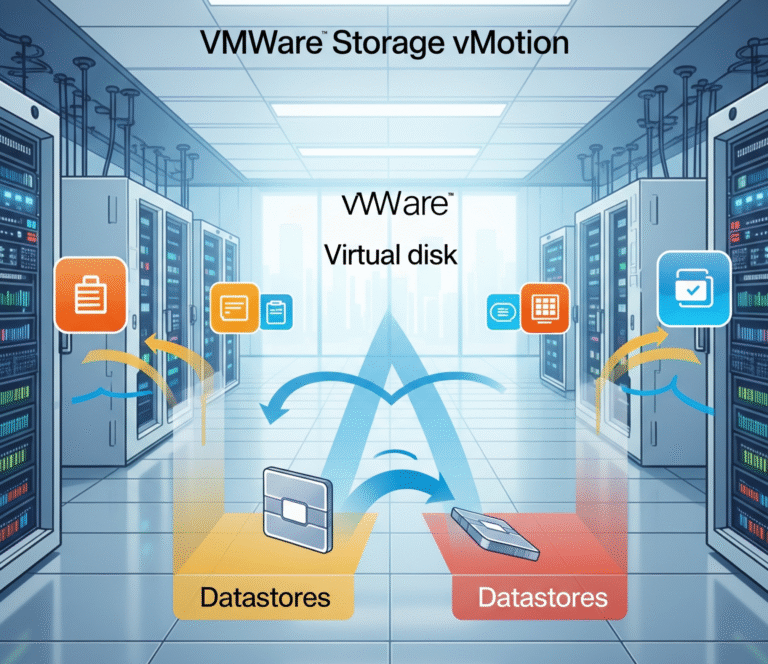
In the ever-evolving landscape of virtualization, managing storage efficiently and without disrupting critical workloads is paramount. VMware Storage vMotion emerges as a powerful solution, enabling live migration of a virtual machine’s (VM) virtual disks between datastores – all while the…
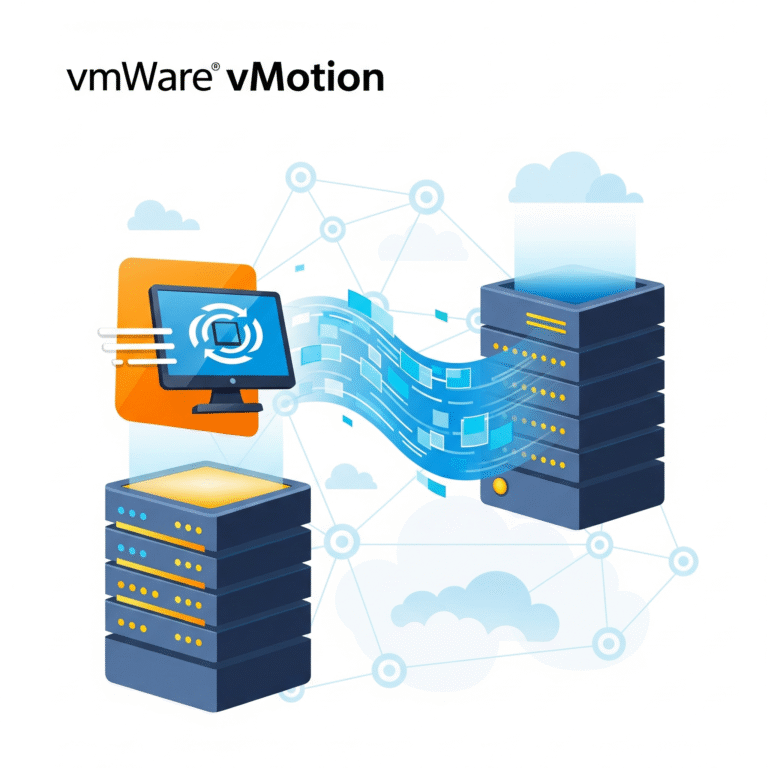
In today’s dynamic IT environments, maintaining application availability and optimizing resource utilization are paramount. VMware vMotion, a cornerstone technology within the vSphere suite, provides a seamless solution for live migration of running virtual machines (VMs) between ESXi hosts with no…
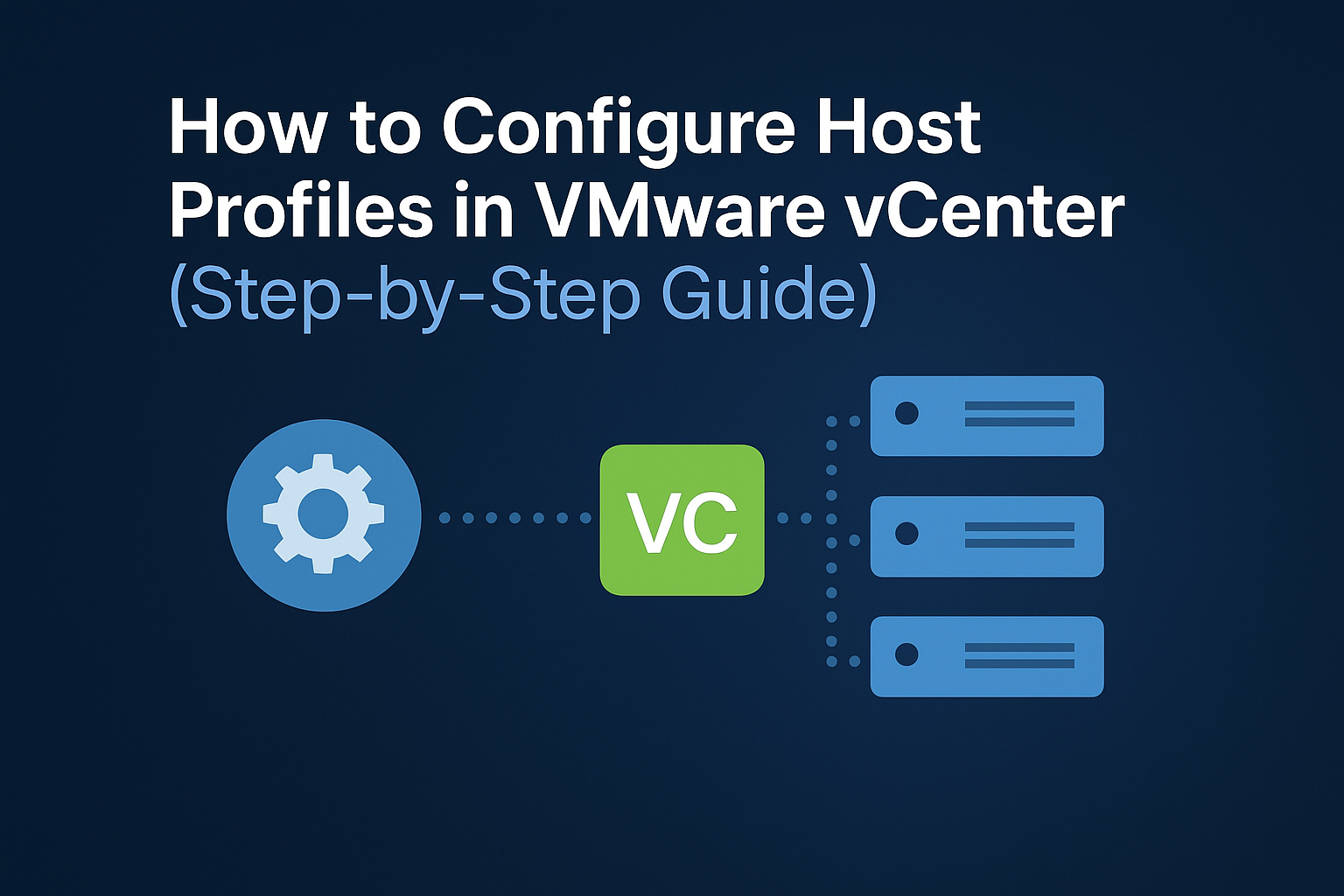
Introduction to Host Profiles Host Profiles in VMware vCenter simplify and standardize ESXi host configuration. They help enforce consistent settings across your VMware environment, reducing manual errors and speeding up provisioning. Benefits of Using Host Profiles Standardize host configurations Reduce…

We have detected that you are using extensions to block ads. Please support us by disabling these ads blocker.




