Physical Address
304 North Cardinal St.
Dorchester Center, MA 02124
Physical Address
304 North Cardinal St.
Dorchester Center, MA 02124

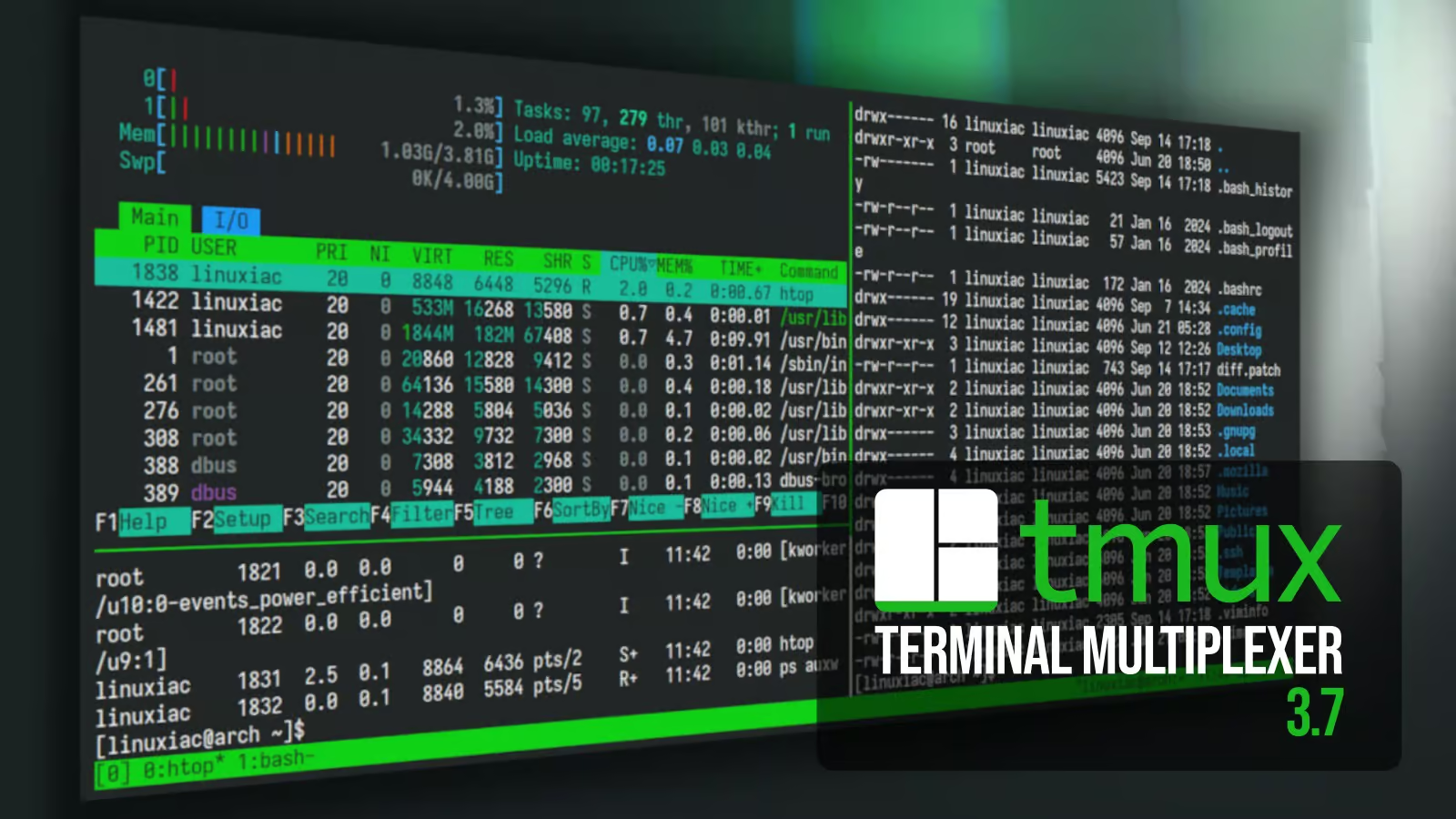
The developers behind Tmux, the popular terminal multiplexer that lets users manage multiple terminal sessions, windows, and panes from a single interface, have officially released version 3.7. This update introduces several new features, usability improvements, and important security fixes.
One of the standout additions in Tmux 3.7 is floating panes. Unlike the traditional tiled pane layout, floating panes appear above existing panes in a popup-like style. However, they are not modal windows, meaning they behave like regular panes and fully support escape sequences.
Users can quickly create a floating pane by pressing the default Tmux prefix key (Ctrl+b) followed by *. Alternatively, floating panes can be opened using the new new-pane command.
Since this is the first implementation of the feature, there are still some limitations. At present, floating panes can only be repositioned and resized using the mouse. Functions such as swapping floating panes, resizing them with the resize-pane command, converting them into tiled panes, or restoring custom layouts containing floating panes are not yet available.
Tmux 3.7 enhances copy mode by introducing configurable line numbers. The new copy-mode-line-numbers option allows users to choose how line numbers are displayed, with available modes including:
This addition makes navigating and copying text more convenient, particularly for developers working with large files.
The update also introduces the focus-follows-mouse option, allowing the active pane to automatically switch as the mouse pointer moves between panes.
Clipboard functionality has also been improved with the new get-clipboard option. When enabled, Tmux can retrieve clipboard data directly from the terminal and send it to the active pane, simplifying copy-and-paste workflows.
Tmux 3.7 expands mouse interaction by adding new control ranges (control0 through control9), giving users additional mouse-based controls within the pane status line.
Another interface improvement affects the second status line. When status-format is configured to use two lines, the lower status line now displays a convenient list of available panes.
The list-keys command has been upgraded with new options for organizing output. Users can now sort key bindings using the -O flag and apply custom output formatting with the -F option.
Support for SIXEL graphics has also been refined. The maximum number of simultaneously displayed images has increased from previous limits to 20, and several image sizing issues have been resolved for more reliable rendering.
Security has received additional attention in this release. Tmux now applies stricter validation and sanitization to pane titles, window names, and session names, reducing the risk of malformed input causing unexpected behavior. The release also includes several bug fixes uncovered through extensive fuzz testing.
Tmux 3.7 delivers a solid set of improvements that enhance both usability and security. The introduction of floating panes offers a more flexible workspace, while updates to copy mode, mouse controls, clipboard handling, and graphics support further improve the overall user experience. Although floating panes are still evolving, they represent an exciting new capability that is expected to become even more powerful in future releases.
For complete details about this release, including all bug fixes and changes, refer to the official release announcement and full changelog.

We have detected that you are using extensions to block ads. Please support us by disabling these ads blocker.



