Why Should You Care About Network Discovery?Understanding Network Discovery in Windows Server 2025Prerequisites: What You'll NeedStep-by-Step Tutorial: Disabling Network Discovery via Group PolicyStep 1: Open the Group Policy Management ConsoleStep 2: Create a New Group Policy ObjectStep 3: Edit the Group Policy ObjectStep 4: Navigate to the Network Discovery SettingsStep 5: Configure the Network Discovery SettingsStep 6: Configure Windows Defender Firewall Rules (Additional Security Layer)Step 7: Link the GPO to the Appropriate Organizational UnitStep 8: Force Group Policy UpdateStep 9: Verify the SettingsWrapping Up If you're managing a Windows Server...
What Exactly is Storage Spaces Direct?Why Windows Server 2025 Changes the GameThin Provisioning: Finally!Smart Repair and Resync ControlsNative ReFS Deduplication...
Master Hybrid Windows Server Administration with Azure The AZ-800: Administering Windows Server Hybrid Core Infrastructure course is designed for IT...
You know that sinking feeling when you realize something's wrong with your network? Maybe users can't reach certain sites, or worse they're being redirected to suspicious domains without anyone noticing. That's where DNS security monitoring comes in, and honestly, it's one of those things you don't appreciate until you really need it. Let me walk you through how DNS security monitoring works with Grafana, why it matters more than ever in 2026, and how you can start protecting your network today. Why DNS Security Matters More Than Ever Here's something...
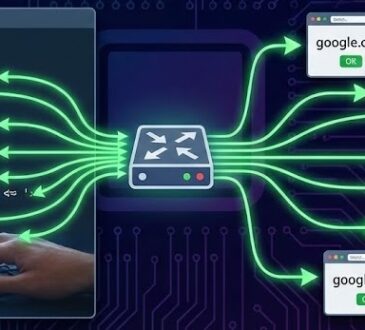
Why Ping Multiple Websites Simultaneously?Method 1: Using Bash Script for Linux/Unix UsersSimple Background Ping ScriptEnhanced Version with Status OutputMethod 2:...
Before You StartMethod 1: PowerShell Remoting (The Quick Way)Method 2: Computer Management ConsoleMethod 3: Active Directory Users and Computers (Wait,...
Why You'd Want to Rename Computers RemotelyUnderstanding the PrerequisitesAdministrative PermissionsNetwork RequirementsSoftware RequirementsMethod 1: Using PowerShell Rename-Computer (The Modern Approach)Renaming a...
Managing hardware inventory across an enterprise Active Directory environment is a critical task for IT administrators. One of the most important pieces of hardware information is the computer serial number, which is essential for warranty tracking, asset management, and compliance reporting. In this article, we'll explore several methods to remotely collect serial numbers from all domain computers and generate comprehensive reports on Windows Server 2025. Why Bother With Remote Collection? Let me paint a picture: You've got 500 computers spread across multiple offices. Your boss just asked for a complete...
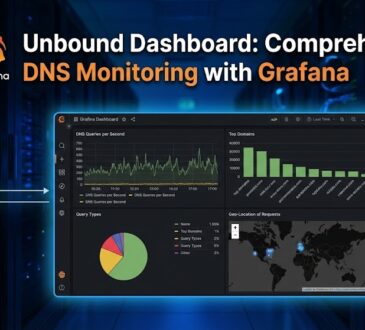
Overview The Unbound Dashboard is a powerful monitoring solution that brings together Grafana, Prometheus, and Loki to provide comprehensive visualization...