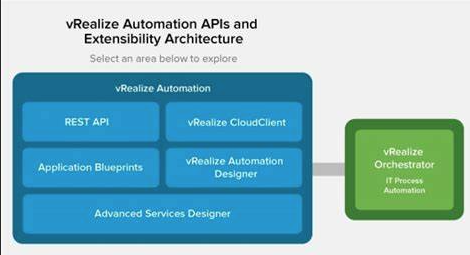
Introduction to VMware vRealize Automation OrchestrationPurpose of VMware vRealize Automation Orchestration and Extensibility v7.xWhy We Need VMware vRealize Automation Orchestration...
Introduction to VMware vCenterUnderstanding the Root Password in vCenterWhy You Might Need to Reset the VMware vCenter Root PasswordStep-by-Step Guide:...
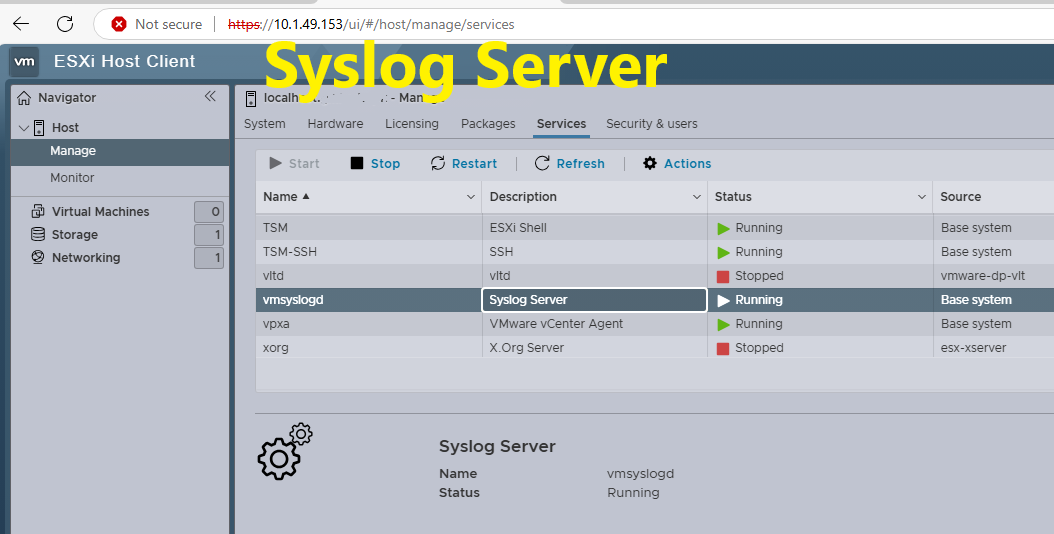
Introduction to SSH and Shell Access in ESXi HostsWhy Configure SSH and Shell Access in ESXi Host?Benefits of SSH and Shell Access in ESXi HostsWhy Choose to Configure SSH and Shell Access in ESXi Host?Step-by-Step Tutorial: How to Configure SSH and Shell Access in ESXi HostStep 1: Access the ESXi Host Directly or via vSphere ClientStep 2: Enable SSH Service on the ESXi HostStep 3: Enable Shell Access on the ESXi HostStep 4: Access the ESXi Host Using SSHStep 5: Verify SSH and Shell AccessStep 6: Manage Security for SSH...
Description Provision virtual desktops and applications on a unified platform, transforming your desktop into secure digital workspaces available on demand....
Hypervisors, also known as Virtual Machine Monitors (VMMs), allow multiple operating systems to run on a single hardware platform, maximizing hardware utilization and enabling isolated virtual environments. Hypervisors fall into two categories—Type 1 and Type 2—each serving different use cases, with distinct performance characteristics, benefits, and costs. Understanding these differences can help IT professionals and businesses select the best hypervisor for their needs. What is a Hypervisor? A hypervisor enables virtualization, a technology that allows multiple virtual machines (VMs) to run on a single physical machine, sharing its resources such...