Physical Address
304 North Cardinal St.
Dorchester Center, MA 02124
Physical Address
304 North Cardinal St.
Dorchester Center, MA 02124

While vSphere 7.0 officially reached end of support in October 2025, many organizations continue to operate on it, often not by choice, and on hardware that is likely end of life. An established transition strategy among enterprises is to migrate…
Understanding the vCenter Root Password Expiration issue VMware vCenter Server implements strict password expiration policies as a security measure. When the root password expires, administrators often find themselves locked out via SSH, creating a critical access challenge that can impact…
Understanding vCenter 8.0 Root Password Expiration When your vCenter 8.0 root password expired, it can bring critical virtual infrastructure management to a halt. VMware vCenter Server implements default password expiration policies as a security measure, with root passwords typically expiring…
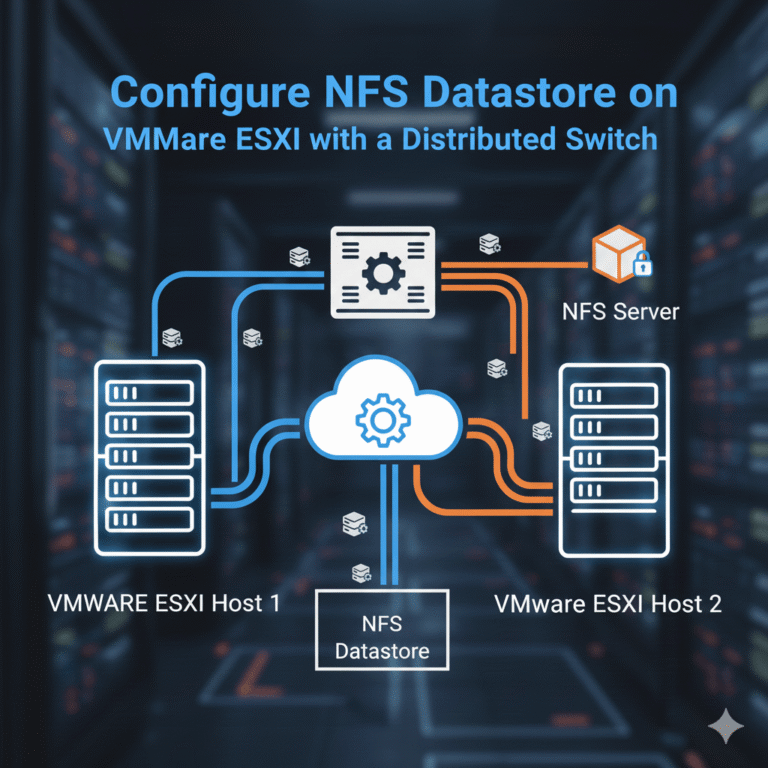
In VMware environments, using NFS storage is one of the simplest ways to provide shared storage for ESXi hosts. When combined with a VMware Distributed Switch (VDS), it offers better network management, traffic isolation, and scalability across multiple ESXi hosts.…
VMware vCenter Server Overview Quickly deploy VMware vCenter Server and manage vSphere using a Linux-based virtual appliance. Existing Windows vCenter Server deployments feature a single-step migration and upgrade tool. Deliver complete lifecycle management for your virtual infrastructure using vCenter Server.…
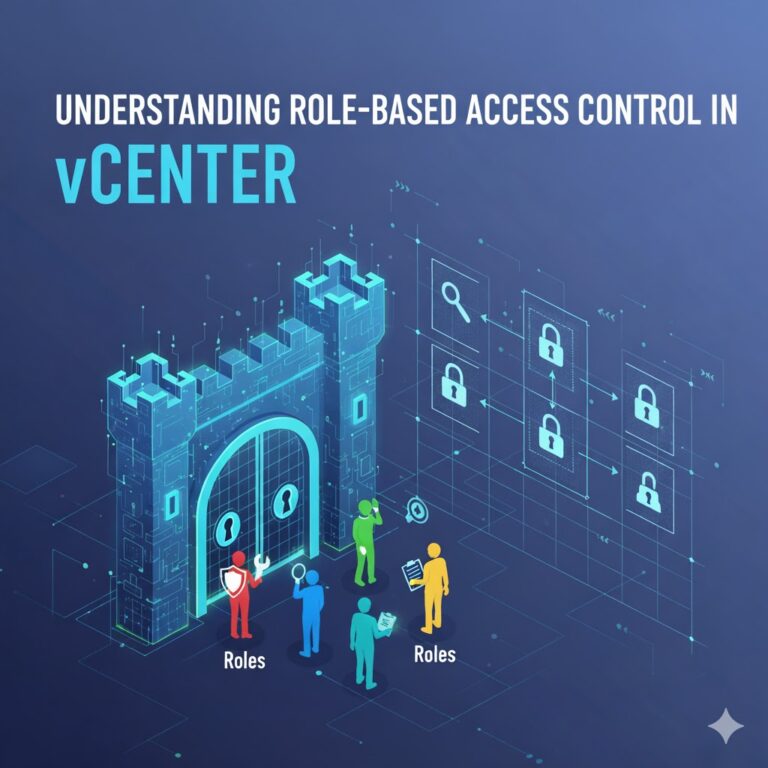
Introduction Securing your virtualization environment is more critical than ever, especially as organizations increasingly rely on VMware vSphere and ESXi for core workloads. With VMware ESXi 8, Role-Based Access Control (RBAC) has evolved to provide administrators with a powerful and…
vCenter Server is a software application designed to help you manage your vSphere infrastructure from a single, centralized interface. It serves as the main control center for managing ESXi hosts and their virtual machines. You can install vCenter Server on…
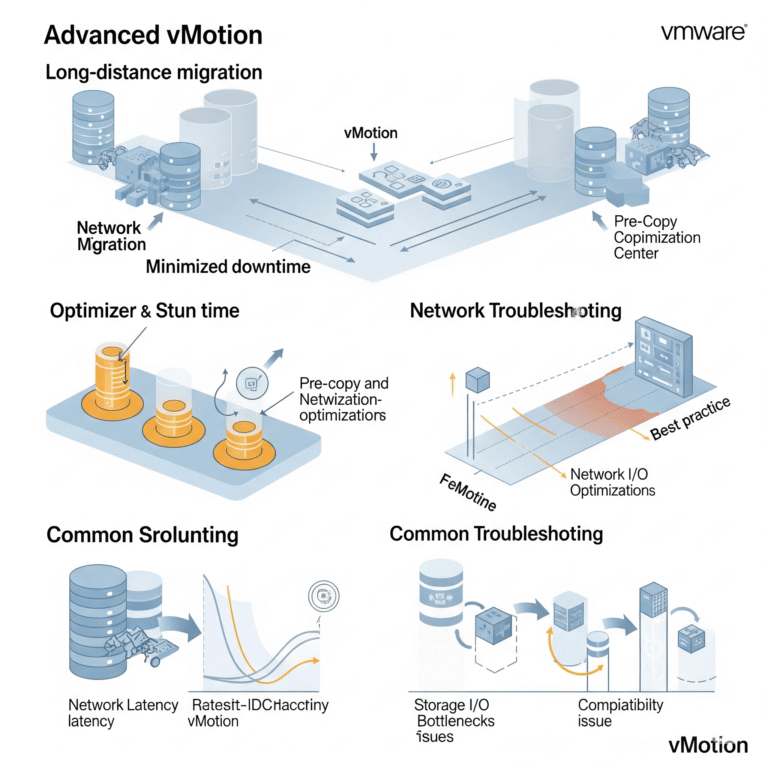
VMware vMotion is a powerful workhorse for live migration, but understanding its advanced nuances can significantly enhance your ability to manage complex virtual environments. This blog post delves into advanced vMotion considerations, including long-distance migrations, the impact of stun time,…
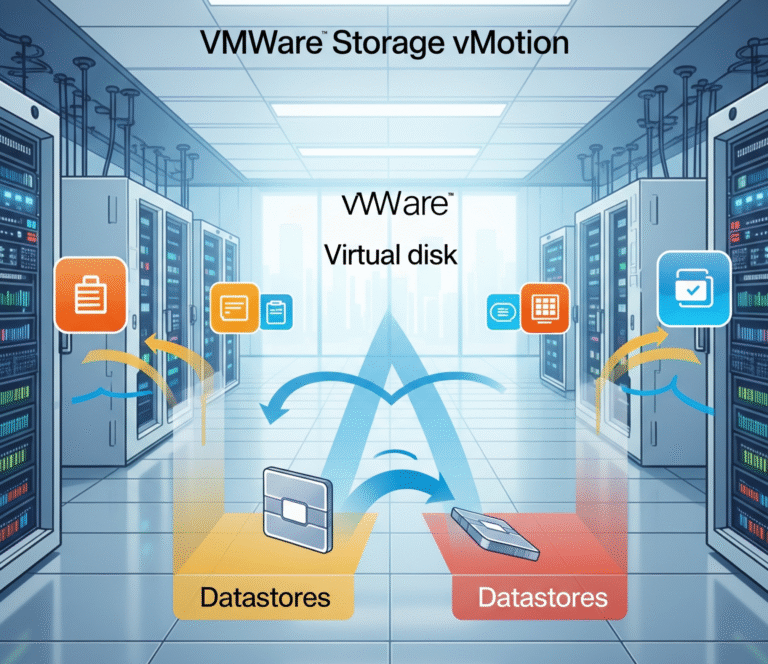
In the ever-evolving landscape of virtualization, managing storage efficiently and without disrupting critical workloads is paramount. VMware Storage vMotion emerges as a powerful solution, enabling live migration of a virtual machine’s (VM) virtual disks between datastores – all while the…
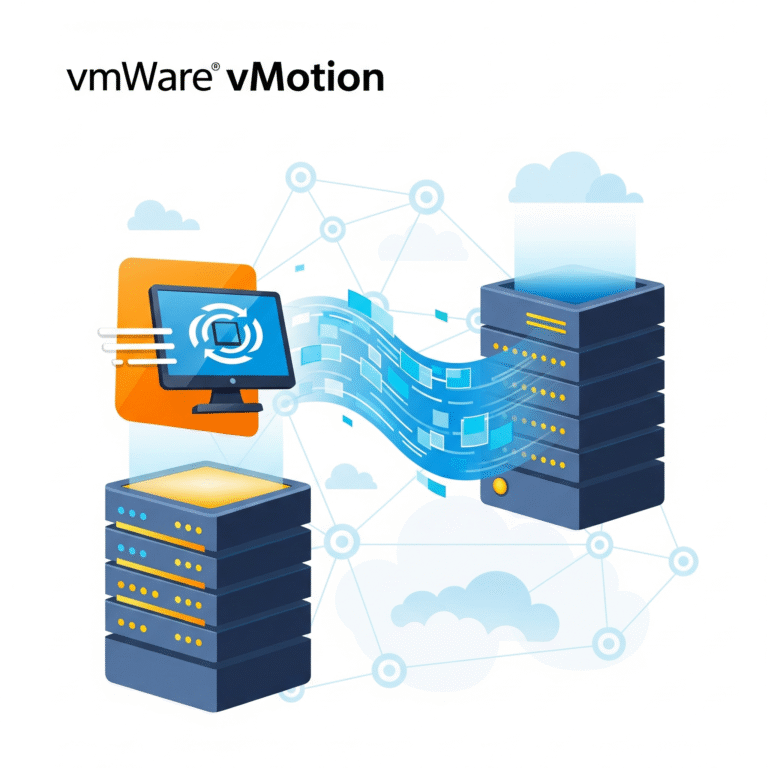
In today’s dynamic IT environments, maintaining application availability and optimizing resource utilization are paramount. VMware vMotion, a cornerstone technology within the vSphere suite, provides a seamless solution for live migration of running virtual machines (VMs) between ESXi hosts with no…

We have detected that you are using extensions to block ads. Please support us by disabling these ads blocker.




