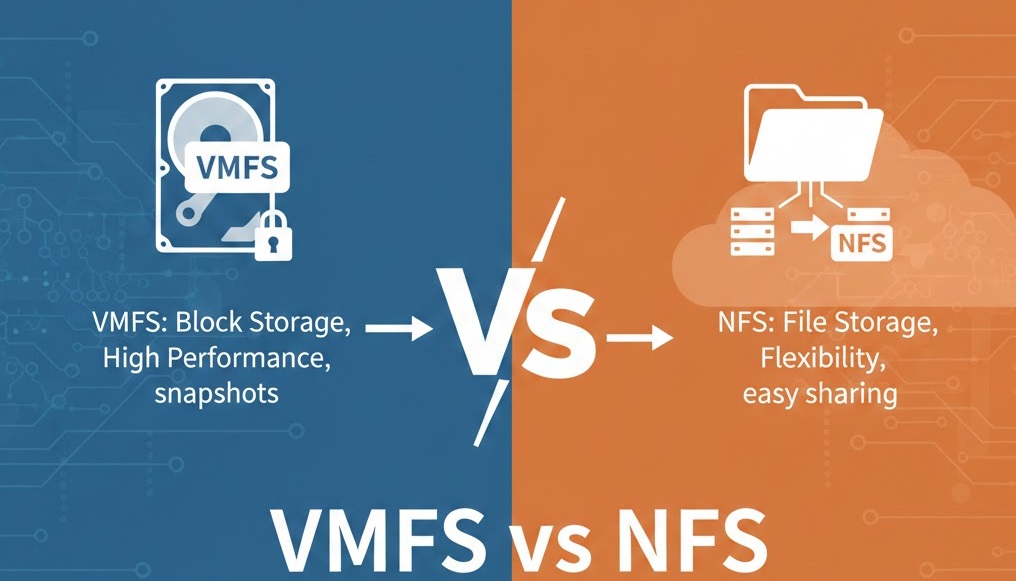
Choosing the right storage protocol for your VMware infrastructure is crucial for optimal performance, scalability, and management efficiency. Two primary storage solutions dominate the VMware vSphere ecosystem: VMFS (Virtual Machine File System) and NFS (Network File System). This comprehensive guide explores both technologies, their differences, use cases, and includes a practical lab tutorial to help you implement both solutions.
This guide combines theoretical knowledge with practical, tested configurations.
What is VMFS?
VMFS (Virtual Machine File System) is VMware’s proprietary clustered file system specifically designed for storing virtual machine files. Developed and optimized by VMware, VMFS provides high-performance storage with features tailored for virtualized environments.
Key Characteristics of VMFS
Block-level storage protocol: Works with FC, FCoE, and iSCSI
Clustered file system: Multiple ESXi hosts can access simultaneously
VMDK file format: Stores virtual disks as files
Native locking mechanisms: Prevents data corruption in multi-host environments
NFS (Network File System) is a distributed file system protocol that allows ESXi hosts to mount remote file systems over a network. Originally developed by Sun Microsystems, NFS has become a standard protocol supported across multiple platforms.
Key Characteristics of NFS
File-level storage protocol: Operates over TCP/IP networks
Industry-standard protocol: Widely supported across vendors
Choose NFS 3 (better compatibility with Windows NFS)
Click Next
Configure NFS settings:
Name: NFS-Datastore-01
NFS Server: 192.168.91.131
Folder: /NFSDatastore
Click Next
Select hosts to mount datastore:
Select your ESXi host (192.168.91.129)
Click Next
Review configuration and click Finish
Step 4: Verify NFS Datastore
Navigate to Storage view in vCenter
Locate NFS-Datastore-01
Verify:
Status shows Normal
Capacity is displayed correctly
Type shows NFS
Test by browsing datastore files
Expected Result: You now have a functioning NFS datastore mounted from your Windows Server.
Conclusion
Both VMFS and NFS remain viable, production-ready storage solutions for VMware vSphere environments. Your choice depends on specific requirements:
Choose VMFS for performance-critical workloads, existing SAN infrastructure, and when advanced features like VAAI are needed
Choose NFS for simplified management, cost-effective storage, and environments where file-level operations provide advantages
As virtualization technologies evolve, understanding these foundational storage protocols remains essential for VMware administrators. Whether you’re building a new infrastructure or optimizing an existing one, VMFS and NFS provide reliable, scalable storage options.