vCenter

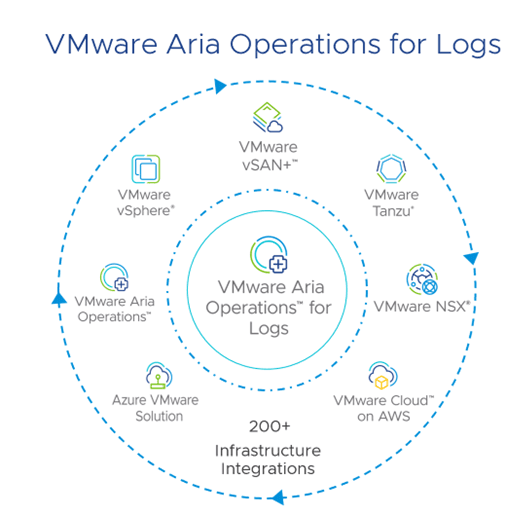
VMware Aria Operations for Logs 8.18
Virtualizationesxi 8vCenterVMware

VMware Aria Operations for Logs 8.18

VMware Aria Operations for Logs 8.18 is a comprehensive log management solution designed to enhance real-time and archived log analysis, particularly within VMware environments. It leverages machine learning to facilitate intelligent grouping and high-performance search capabilities, enabling efficient troubleshooting across physical, virtual, and cloud infrastructures. The platform can process terabytes...
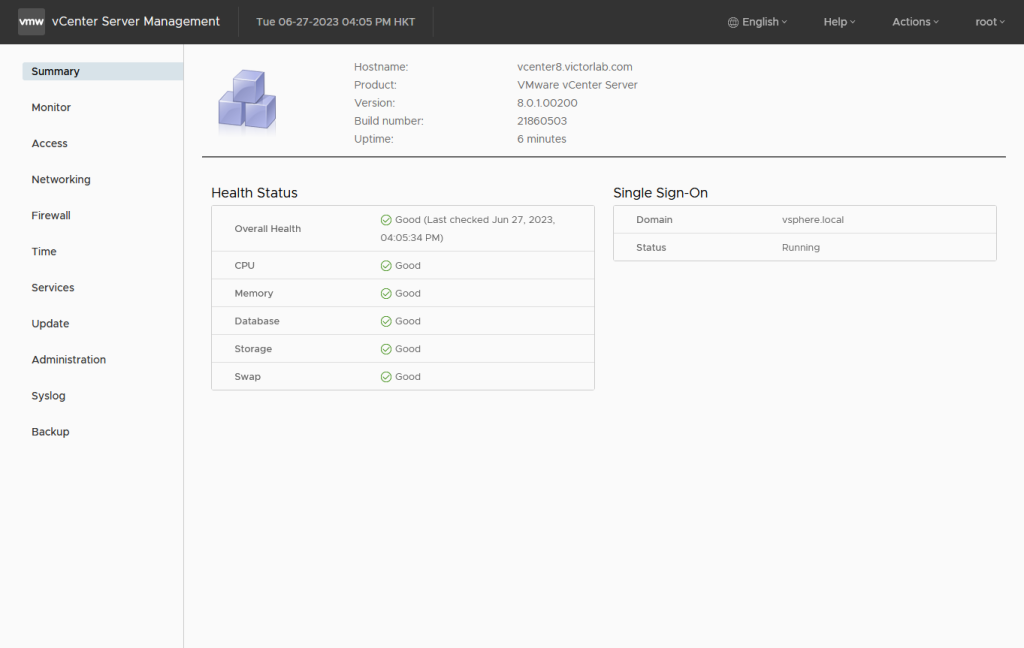
vCenter Server File-Based Backup and Restore
Backupesxi 7esxi 8ProxmoxvCenterVirtualizationVMware

vCenter Server File-Based Backup and Restore

IntroductionWhat is vCenter Server File-Based Backup?Why is File-Based Backup important?Prerequisites for Backup and RestoreHow to Configure File-Based BackupPerforming a BackupRestoring vCenter Server from BackupBest Practices for vCenter Backup and RestoreCommon Issues and Troubleshooting TipsConclusion Backing up your VMware vCenter Server is crucial for maintaining the stability and resilience of your...
Comprehensive Guide to vCenter High Availability (vCenter HA)
VirtualizationvCenterVMware

Comprehensive Guide to vCenter High Availability (vCenter HA)

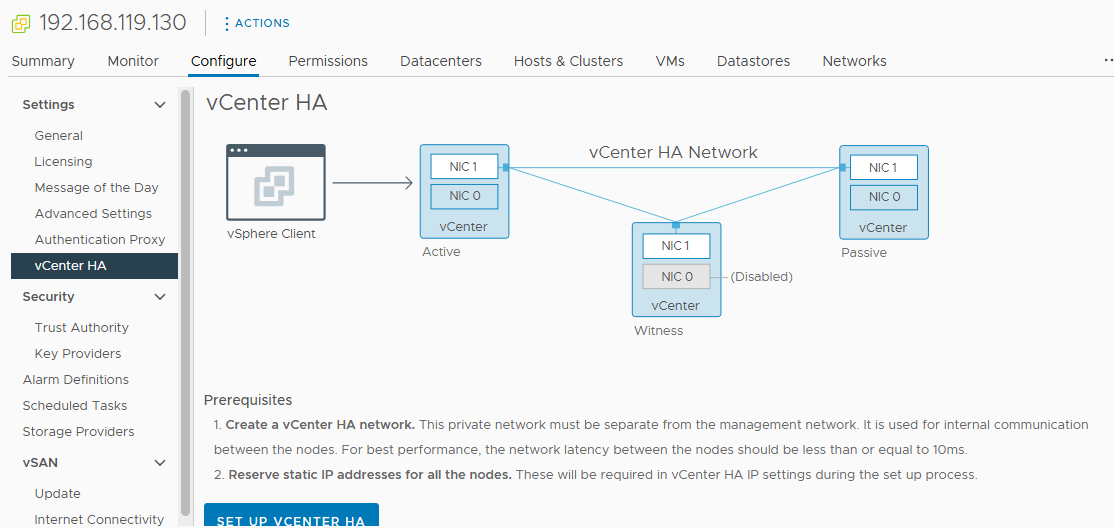
IntroductionWhat is vCenter High Availability (vCenter HA)?Why implement vCenter HA?Key BenefitsvCenter HA Architecture OverviewActive NodePassive NodeWitness NodePrerequisites for Setting Up vCenter HAConfigure vCenter High AvailabilityConclusion Introduction vCenter High Availability (vCenter HA) is a critical component for ensuring the continuous availability of your VMware environment. VMware's vCenter High Availability (vCenter HA)...
VMware vCenter Enhanced Linked Mode
VMwarevCenterVirtualization

VMware vCenter Enhanced Linked Mode

Introduction to VMware vCenter Enhanced Linked ModeKey Benefits of Enhanced Linked ModePrerequisites for Setting Up Enhanced Linked Mode1. vCenter Server Version Compatibility2. Single Sign-On (SSO) Domain Membership3. Platform Services Controller (PSC)4. Network Requirements5. Time Synchronization6. Administrative Privileges7. Resource Allocation8. Backup Configuration9. LicensingStep-by-Step Lab Tutorial1. Configuring vCenter Servers2. Enabling Enhanced Linked...
Comprehensive Guide on VM Configuration Maximums
Virtualizationesxi 7esxi 8vCenterVMware

Comprehensive Guide on VM Configuration Maximums

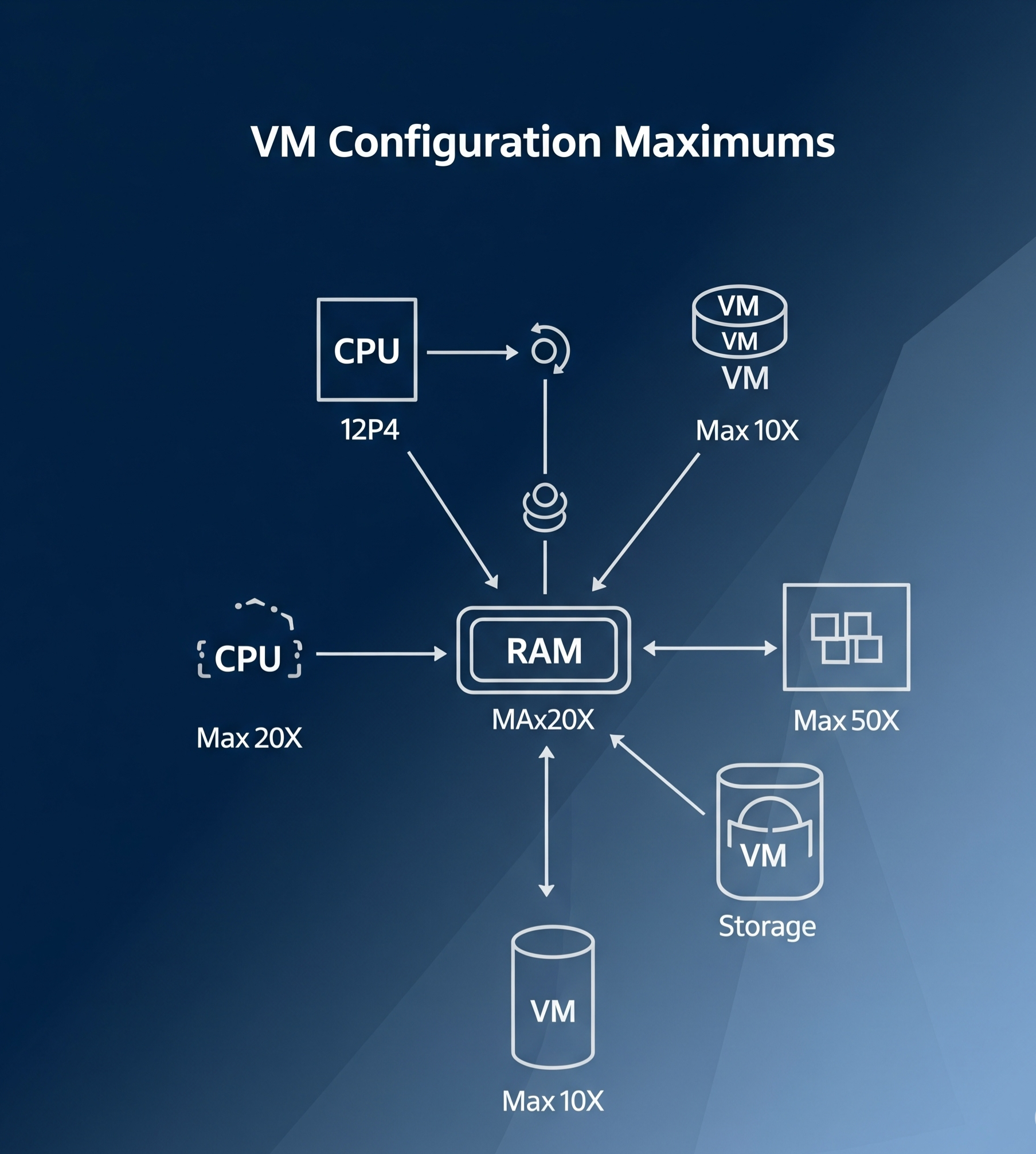
Introduction Virtual Machine (VM) configuration maximums are key limits and specifications that help define the capacity and performance of a virtual machine in a VMware environment. These maximums are essential for understanding how far you can push your VM configurations while maintaining optimal performance and stability. In this guide, we’ll...
Working with Templates in vSphere 8
Virtualizationesxi 8vCenterVMware

Working with Templates in vSphere 8

Introduction Efficiently managing virtual machines (VMs) in vSphere 8 is critical for IT administrators. One of the most powerful features for streamlining VM deployment is the use of templates. Templates allow you to preconfigure and standardize VM settings, saving time and reducing errors in large-scale environments. This comprehensive guide will...
1 3 4 5 6 7
Page 5 of 7
Ads Blocker Image Powered by Code Help Pro

Ads Blocker Detected!!!

We have detected that you are using extensions to block ads. Please support us by disabling these ads blocker.

Powered By
Best Wordpress Adblock Detecting Plugin | CHP Adblock