
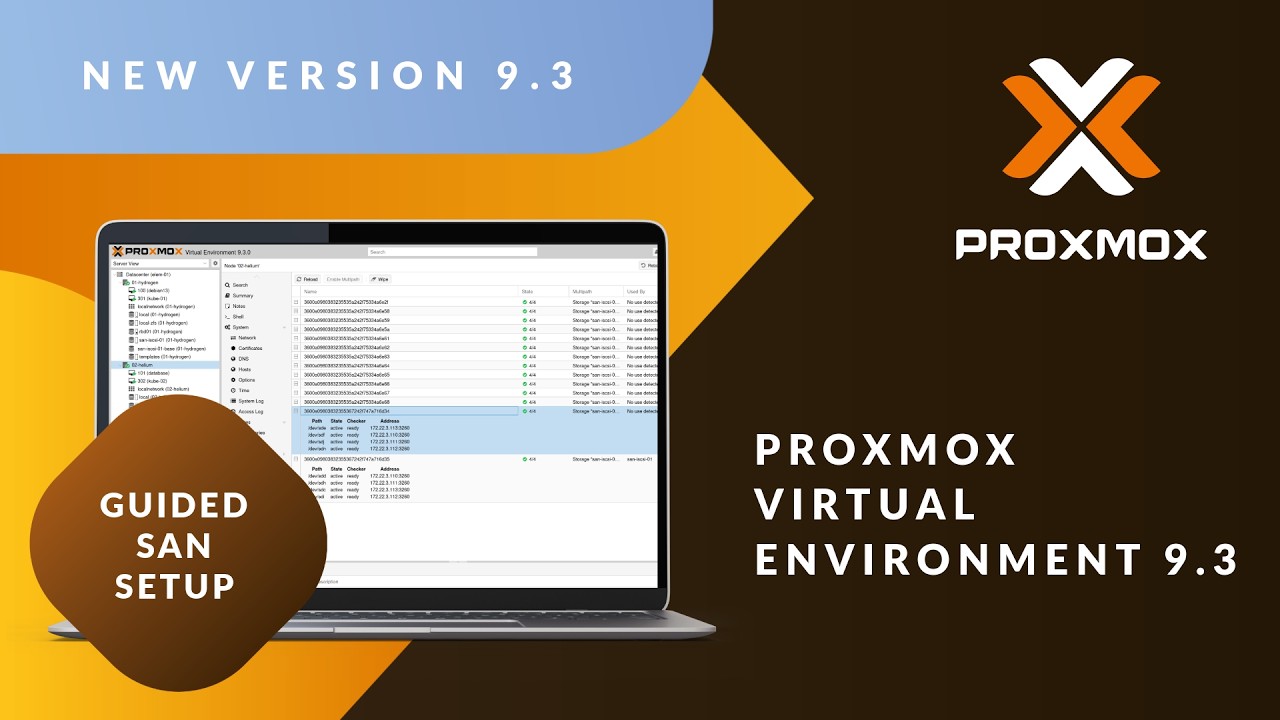
Proxmox VE 9.3 Released: SAN Multipath GUI, Shared LVM Snapshots and HA Maintenance Mode
Proxmox VE 9.3 shipped on November 25, 2026, and its headline is storage. If you run a cluster on iSCSI, Fibre Channel or NVMe over Fabrics, you no longer have to hand-edit multipath files on every node. The release adds a cluster-wide SAN view in the web UI, production support for snapshots on shared LVM, and a handful of operational upgrades: VLAN and bond setup in the installer, an HA maintenance mode, and much better logs.
This breakdown covers what changed, which changes matter for which kind of environment, and how to approach the upgrade without surprising your cluster. It is based on Proxmox’s own announcement channels and independent release coverage, listed in the sources at the bottom.
✅ A wizard sets up shared LVM with multipath, and the config syncs through the cluster filesystem
✅ Volume-chain snapshots on thick LVM (iSCSI and FC) are now listed as production supported
✅ The installer can set a management VLAN and bond, including in automated installs
✅ HA maintenance mode evacuates HA-managed guests from a node before you patch it
✅ Persistent guest identity helps backup tools track a VM across migrations and restores
Proxmox VE 9.3 at a Glance
| Component | Version | Note |
| Release date | Nov 25, 2026 | Upgrade via APT, or fresh install from ISO |
| Base OS | Debian 13.8 “Trixie” | Same Debian 13 line as Proxmox VE 9.0 |
| QEMU / LXC | 11.1 / 7.0 | VM and container stacks |
| OpenZFS | 2.4 | ZFS storage |
| Linux kernel | 7.0 default, 7.3 opt-in | Keep 7.0 on production nodes |
| Ceph | Tentacle 20.2 (stable), Umbrella 21.2 (preview) | Umbrella is a technology preview |
| Offline Mirror | 0.8 | Snapshot pruning, parallel syncs for air-gapped sites |
Component versions as reported in release coverage; confirm against the official roadmap page before planning an upgrade.
A Cluster-Wide SAN and Multipath GUI
Multipath is what keeps a LUN reachable when a switch, cable or controller port fails. Until now, setting it up in Proxmox meant editing the multipath configuration by hand and repeating the work on every node. It is easy to end up with a VM that runs fine on one host while another host has lost a path.
Proxmox VE 9.3 adds a Datacenter > SAN view that lists LUNs and their path status across the cluster, covering iSCSI, Fibre Channel and NVMe over Fabrics. Each node also gets its own SAN view with local block devices, paths and, for iSCSI, active sessions. The managed configuration is stored in the cluster filesystem and synced to the other nodes.
The practical gain is comparison. If one node reports three paths and the rest report four, you can see it at once instead of discovering it during a switch maintenance window. For background on why multiple paths matter and how the concept works on another hypervisor, see our guide to iSCSI multipathing configuration on vSphere and ESXi.
What the shared LVM wizard does
2. The wizard discovers the other portals the target advertises.
3. Multipath is configured for those portals.
4. You select the LUN to use for shared LVM.
5. You review the settings and finish.
The result appears in the normal storage configuration, where you can also set options such as wiping or discarding removed volumes if your array needs them. An override section exists for advanced multipath settings that the wizard does not cover.
Production Snapshots on Shared LVM
Snapshots on thick-provisioned LVM using the volume-chain method are now listed as production supported, including shared LVM over iSCSI and Fibre Channel. You enable it with the Allow Snapshots as Volume-Chain option, either in the wizard or in the advanced storage settings.
This is the change most relevant to teams leaving VMware who already own a SAN. Snapshot support on shared block storage was a common blocker for evaluating Proxmox against existing arrays. It is worth knowing how the platform you are leaving handles the same layer, which our overview of vSphere storage technologies and the vSphere 9 guide cover from the VMware side.
Management VLAN and Bond Setup in the Installer
Previously a new host had to come up on whatever untagged VLAN its switch port provided, and you fixed the network afterward. The 9.3 installer can configure the management interface on a tagged VLAN, on a bond, or both, in the graphical, text and automated installers.
The switch still has to match. The VLAN must be allowed on the port, and if you use LACP the aggregation must be configured on the switch side with the management tag carried on the aggregated link. For a batch of new nodes, putting this in the automated installer answer file removes a round of post-install network edits.
HA Maintenance Mode for Cluster Nodes
The HA status panel now has a Node Maintenance option. Enabling it on a host moves the HA-managed resources on that host to other eligible nodes. A matching API endpoint exists, so patch automation can drive it too.
The routine becomes: enable maintenance mode, wait until HA status shows the guests have moved, patch and reboot, then disable maintenance mode so the node accepts workloads again. If you want to understand the live migration mechanics underneath this kind of evacuation, our deep dive into vMotion explains the concept on VMware.
Better Logs, Smarter Alerts and Storage Plugin Forms
System Log and Access Log
The System Log is now structured and color-coded by priority, with a live view and time-range selection. You can
filter by minimum priority, systemd unit, syslog identifier (wildcards such as ceph* work),
or kernel messages only, and boots are visually separated. The Access Log lets you filter API requests by
time, client, user, API token, path, HTTP method and errors, with a statistics view for the current filter.
When a VM stops unexpectedly, that is the first place to check which account or token issued the call.
Nested notification matchers
Notification matchers now support nested rules, a tree editor with drag-and-drop between groups, inverted conditions, and calendar settings with weekdays and time windows. You can route routine updates and urgent alerts from one matcher instead of splitting them across many.
Web UI for third-party storage plugins
Installed third-party storage plugins now appear under Datacenter > Storage > Add. Proxmox builds the form from the plugin’s property schema, including field hints, numeric limits and masked sensitive fields. The fields you see depend on what each plugin declares.
Persistent Guest IDs, SDN, Ceph and Offline Mirror
Every VM and container now carries a persistent identity. If guest 105 on one cluster is restored as 220 on another, backup and external management tools can still recognize it as the same guest. For SDN, simple zones can use a dedicated VRF with its own routing table and static routes, and WireGuard fabrics show interface and peer status in the web UI.
Ceph Umbrella 21.2 can be selected for new Ceph installs as a technology preview in the no-subscription and test repositories. Treat it as a lab option. Proxmox Offline Mirror 0.8 helps air-gapped sites with snapshot pruning, symlinks to the latest snapshots and parallel package syncing at lower memory use.
Which Features Matter for Your Environment
| Your setup | Most relevant 9.3 changes |
| Existing SAN (iSCSI or FC) | SAN/multipath GUI, shared LVM wizard, volume-chain snapshots |
| Ceph or hyperconverged cluster | HA maintenance mode, better logs, Ceph Umbrella preview (lab only) |
| Rolling out many new nodes | VLAN and bond in the automated installer, Offline Mirror 0.8 |
| Third-party storage vendor | Plugin web UI forms under Datacenter > Storage |
| Backup-heavy environments | Persistent guest identity across migrations and restores |
How to Upgrade to Proxmox VE 9.3 Safely
A 9.x to 9.3 move is a normal point release: refresh the package repositories in the web UI (or run
apt update), review the pending
packages, and upgrade. This checklist is general cluster practice, not a Proxmox-specific procedure.
2. Confirm recent, restorable backups of every guest.
3. Upgrade one node at a time; with 9.3 you can use HA maintenance mode on the next node once the first is done.
4. Stay on the default 7.0 kernel in production. Kernel 7.3 is opt-in.
5. If you adopt the new SAN view, compare path counts across nodes before and after.
6. Validate snapshots and failover on a test LUN before enabling volume-chain snapshots for real workloads.
Need a guest to test on the new cluster? See our Windows Server 2025 download.
Frequently Asked Questions
When was Proxmox VE 9.3 released?
Proxmox VE 9.3 was released on November 25, 2026, with an installation ISO and an upgrade path through the standard APT package manager.
What is new in Proxmox VE 9.3?
The main additions are a cluster-wide SAN and multipath GUI, production-supported volume-chain snapshots on shared LVM, management VLAN and bond setup in the installer, HA node maintenance mode, improved system and access logs, nested notification matchers, a web UI for third-party storage plugins, and persistent guest identities.
Does Proxmox VE 9.3 support snapshots on a SAN?
Yes, for thick-provisioned LVM using volume-chain snapshots, including shared LVM over iSCSI and Fibre Channel. You enable it with the “Allow Snapshots as Volume-Chain” option. Validate it on a test LUN with your own array first.
Is Proxmox VE 9.3 free?
Proxmox VE is open-source software under the GNU AGPLv3 and can be downloaded and used without a subscription. Paid subscriptions add access to the enterprise repository and support.
Which kernel does Proxmox VE 9.3 use?
Linux 7.0 remains the stable default. Linux 7.3 is available as an opt-in kernel, which is better suited to test nodes than production.
Do I need to reconfigure my existing multipath setup after upgrading?
Existing hand-written configurations are not described as being replaced by the upgrade. The new SAN view is a place to inspect path status, and the wizard is aimed at new shared LVM storage. Review the official release notes before changing a working production setup.
Sources & References
• Proxmox forum: official 9.3 release announcement
• Proxmox VE release notes and roadmap (9.3)
• Proxmox video: What’s new in Proxmox VE 9.3
• Help Net Security: Proxmox 9.3 adds production snapshots for SAN-backed VMs
• Virtualization Howto: Proxmox VE 9.3 hands-on overview